

Expiry dates
The Expiry card in records opens two choices:
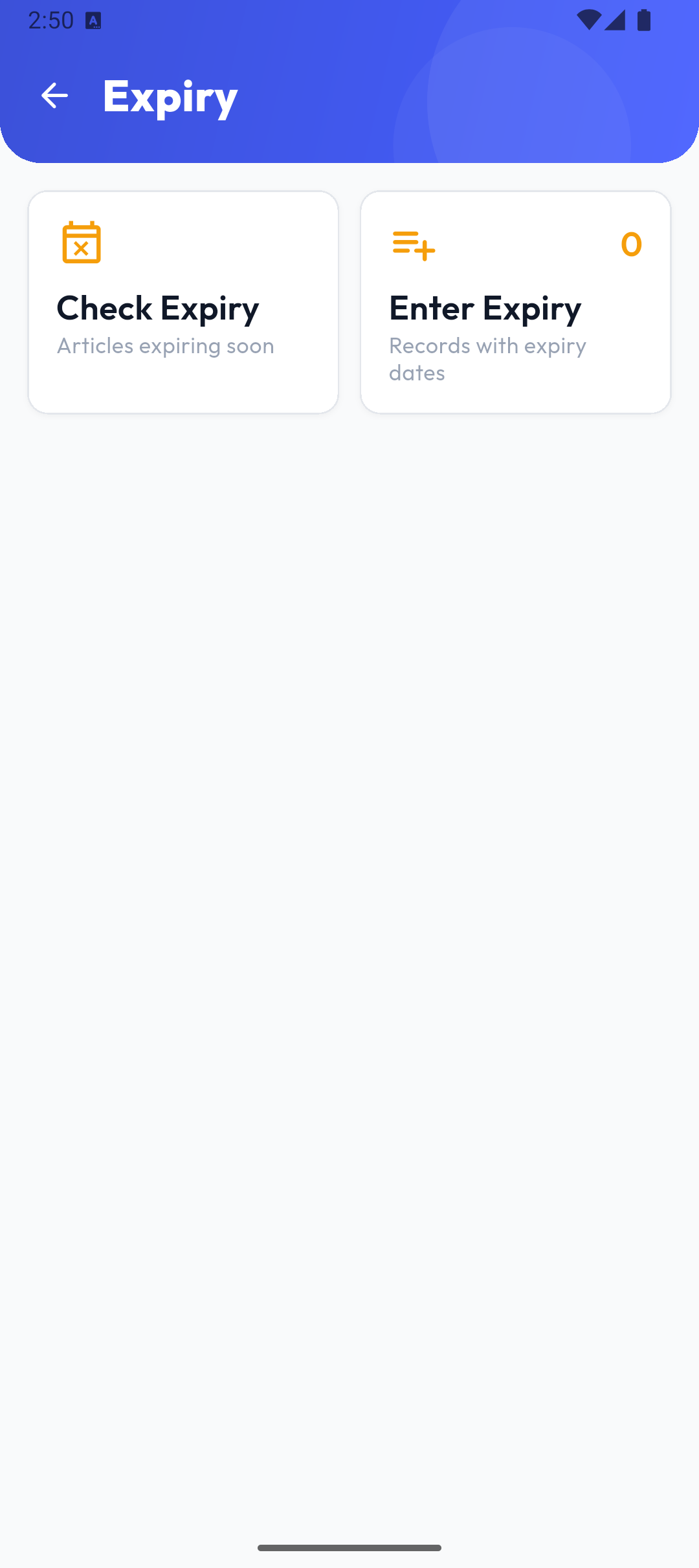
- Check Expiry — items whose expiry date is near;
- Enter Expiry — expiry records (the list, a new record, entering items), like other records.
On an expiry record every item must have an Expiry date (Expiry date is required.); today is the default, and past dates are allowed. No price is entered.
Checking expiry dates
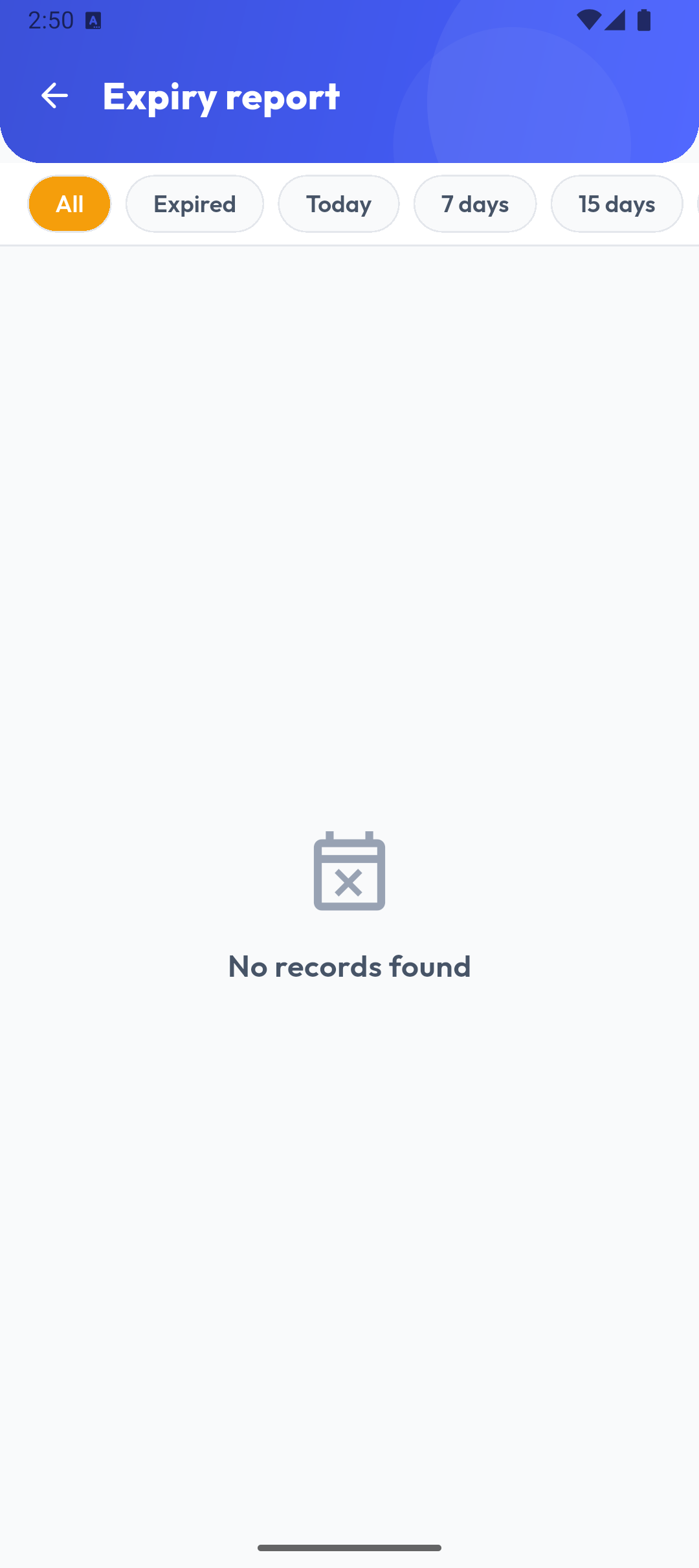
The chips All, Expired, Today, 7 days, 15 days and 30 days pick the period. Each row shows the name, code and unit, the warehouse, the date, the quantity and the days left: red Expired, orange for 7 days or fewer. When there is nothing, it says No records found.
Note
The report is loaded from the server (up to 100 rows) and includes only completed expiry records. It isn't available in Popis PRO Offline.