

Signing in to the portal
The portal lives at portal.popis.pro. It is where you manage items, fixed assets, locations, warehouses, users and counts. You sign in with your account's email address and password.
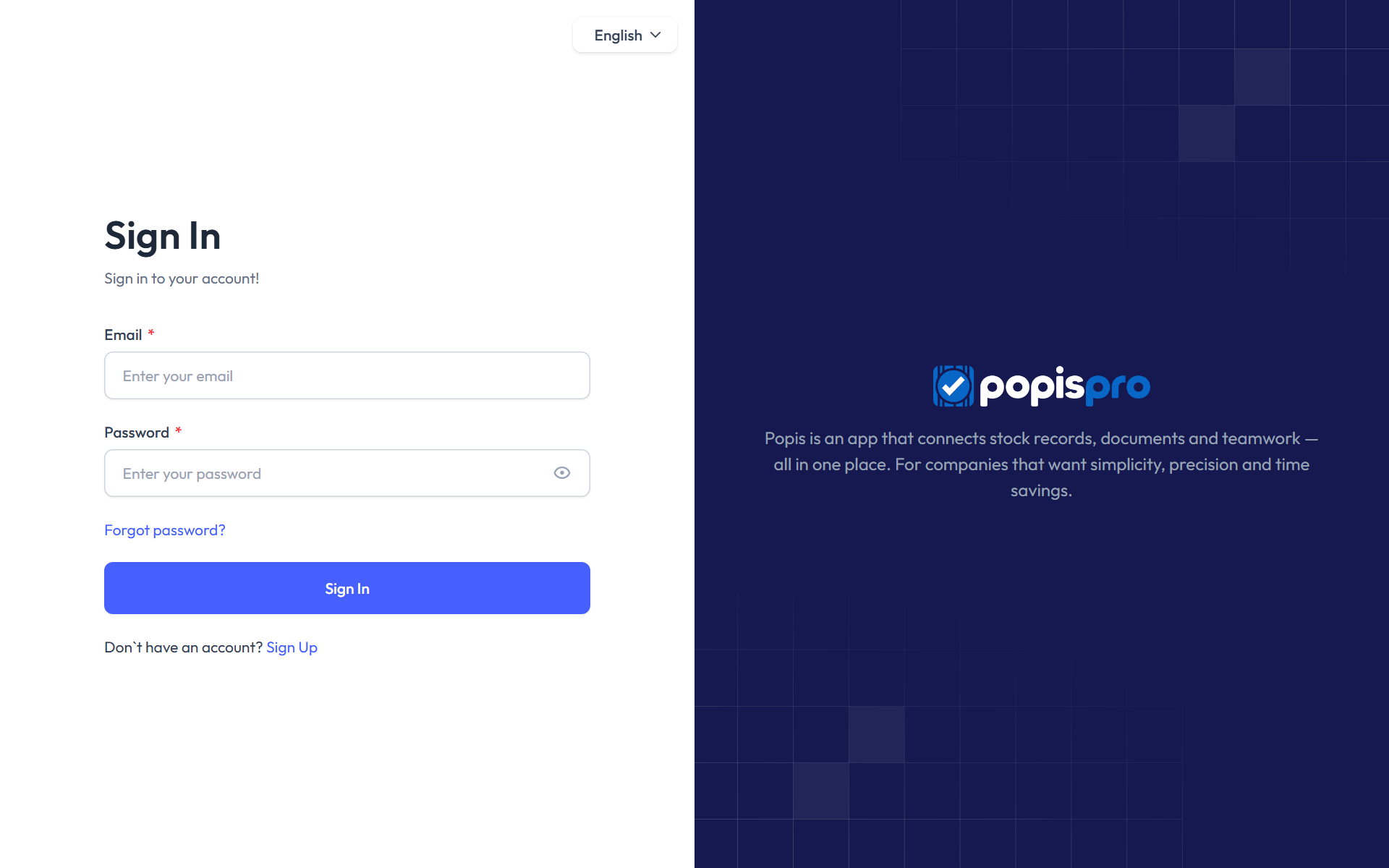
How to sign in
- Open portal.popis.pro. If you are not signed in, the Sign In page opens.
- If needed, change the language in the menu in the top right corner (English in the picture).
- In Email, enter the email address the account was created with.
- In Password, enter your password. Click the eye icon to show the password and check what you typed.
- Click Sign In. The dashboard opens.
Tip
Your company doesn't have an account yet? Click Sign Up below the sign-in button.
Empty fields
If you click Sign In while a field is empty, Required field appears under it and nothing is sent.
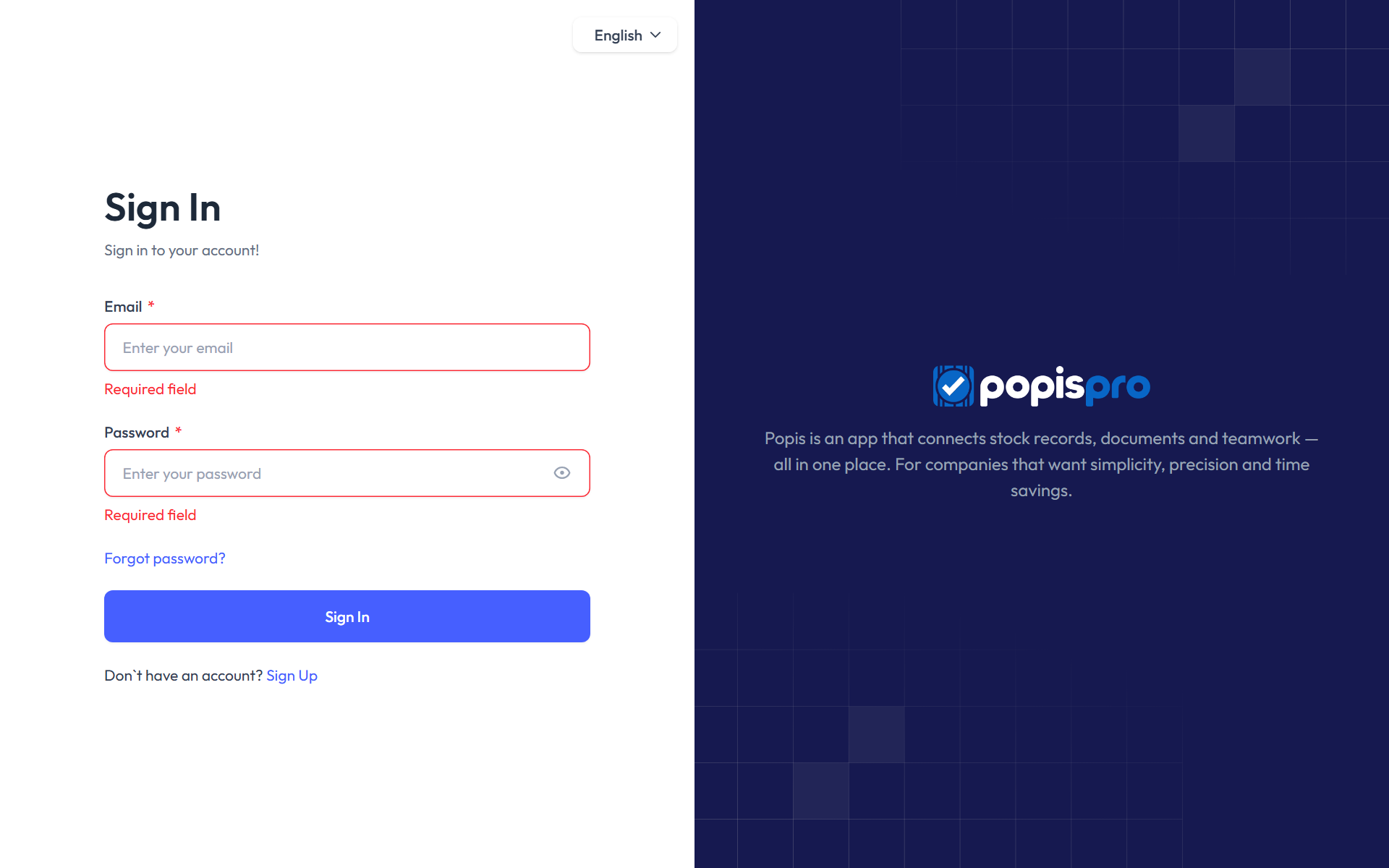
One sign-in at a time
A portal account can be signed in in one browser at a time. When you sign in on another computer or in another browser, the earlier sign-in stops working and that browser returns to the sign-in page. Signing in to the mobile app is separate and does not sign you out.
When sign-in fails
The reason appears in a red box above the form.
| Message | What it means and what to do |
|---|---|
| These credentials do not match our records. | The email or password is wrong. Check that Caps Lock is off, or set a new password. |
| Too many login attempts. Please try again in … seconds. | After 5 failed attempts, sign-in is blocked for a short time. Wait for the time shown. |
| Please verify your email before signing in. … | The account hasn't been confirmed yet. Open the verification email and click its link. If it never arrived, click Resend verification email under the message. |
| Account is inactive. | The account has been disabled. Contact your company's administrator. |
| Your account has no defined privileges / roles … | The account has no active role. Contact your company's administrator. |
| Your package only allows access via the mobile app. | Your company has an offline package, which works only in the Popis PRO Offline app. The portal is not available. |