

Activity log
The Activity log records who did what and when: sign-ins, adding, editing and deleting data, imports and exports. The menu item is shown to company administrators, and the log lists the actions of every user of the company.
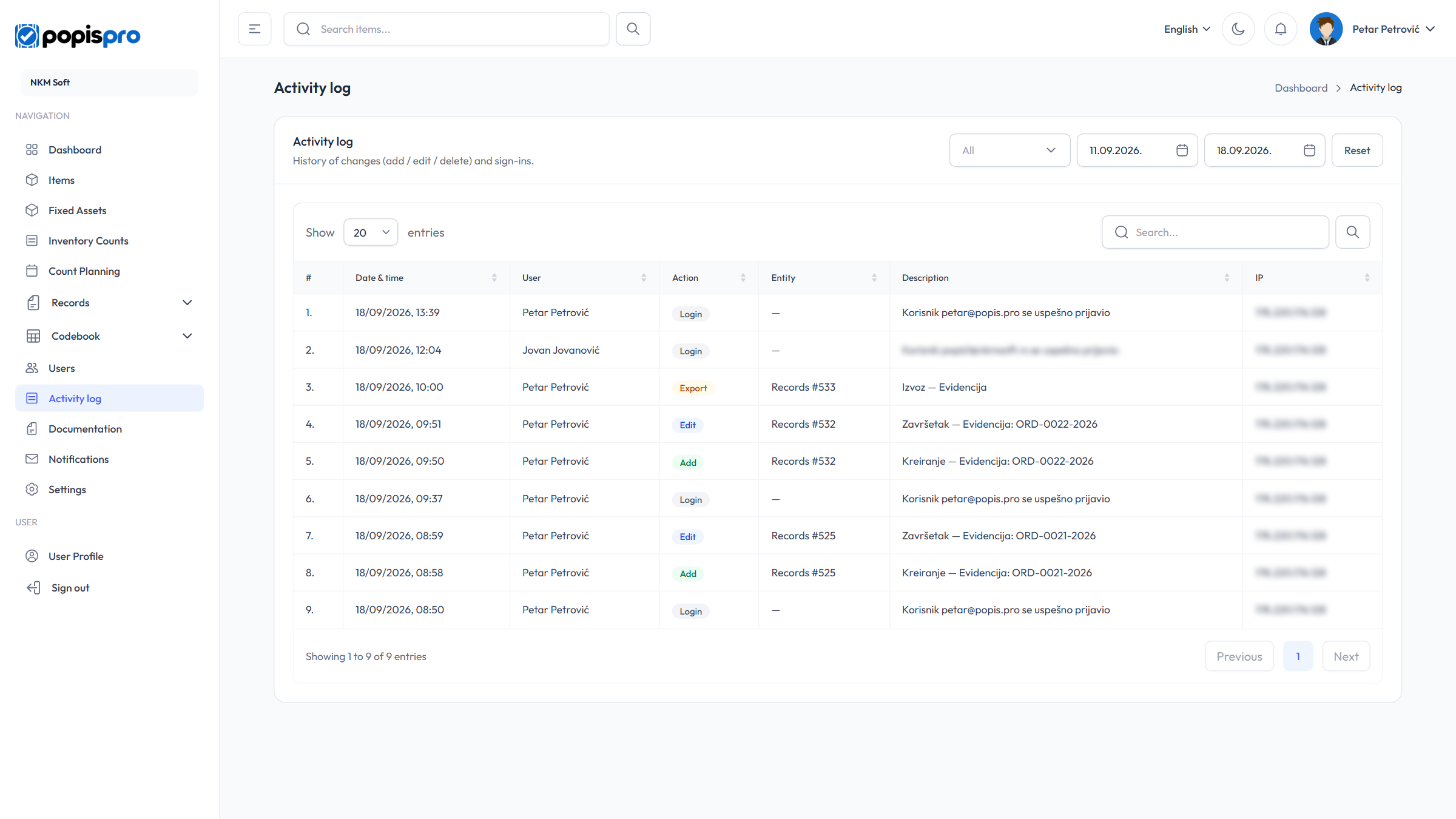
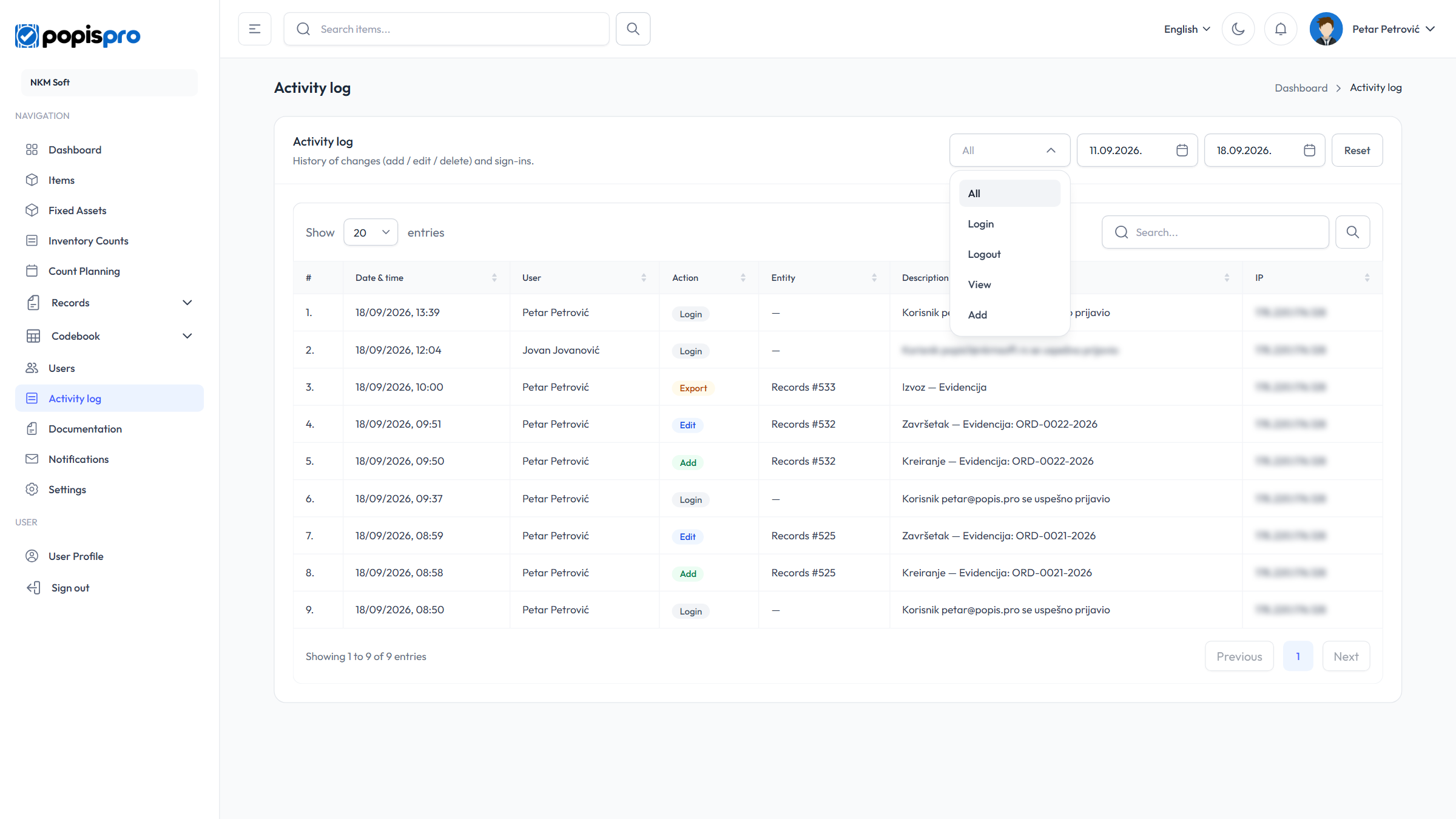
Filters
Above the table are:
- Action — All, Login, Logout, View, Add, Edit, Delete, Export, Import or Error;
- From and To — today by default; picking a date reloads the table at once;
- Reset — goes back to All and today.
The search above the table looks only in the Description column — e.g. an item code, a name or a count number — across the whole history, whatever dates are chosen. Start it with Enter or the magnifier.
Columns
| Column | Content |
|---|---|
| Date & time | When the action happened. The newest is on top. |
| User | Who did it. |
| Action | The kind of action, in colour: green add, blue edit, red delete and error, amber import and export, grey login and view. |
| Entity | What the action concerns, e.g. Item #1234 (the number is the record's internal number). |
| Description | What was done, e.g. "Create — Article: ART001 - Name". An edit lists what changed, e.g. "(Price: 10 → 12)". |
| IP | The address of the device the action came from. |
Clicking a column heading sorts the table. A description is stored in the language of the user who did the action, so one table can hold descriptions in several languages.
What is logged
| Area | Actions |
|---|---|
| Sign-in | Signing in to the portal and the mobile app; password reset request and new password (Forgot password), email confirmation. |
| Items and fixed assets | Add, edit, delete, Delete all, import, export. |
| Locations, warehouses, warehouse stock | Add, edit, delete, import, export, resetting locations to the default. |
| Customers and suppliers | Add, edit, delete, import, export. |
| Counts and lists | Creating, editing, completing and deleting counts; importing count items; creating, completing, deleting and importing count lists. |
| Count planning | Adding, editing and deleting plans. |
| Records | Creating, editing, completing, deleting, exporting, importing items, changing the records settings. |
| Company | Deleting data. |
Not logged: individual lines on count lists and records, signing out and failed sign-ins, and changes to users. From the mobile app only sign-ins, deleting items and assets and password changes reach the log — counting, lists and records from the app are seen on their own pages.
How long it is kept
Entries are kept for 12 months and then deleted automatically. When you delete a user, their entries no longer show.
The Last logins panel on the dashboard shows the last six sign-ins from the same log.