

Locations
A location is one of your company's sites (a shop, a depot, an office) with one or more warehouses. Counts and records are always done for a location and a warehouse. Open Codebook → Locations.
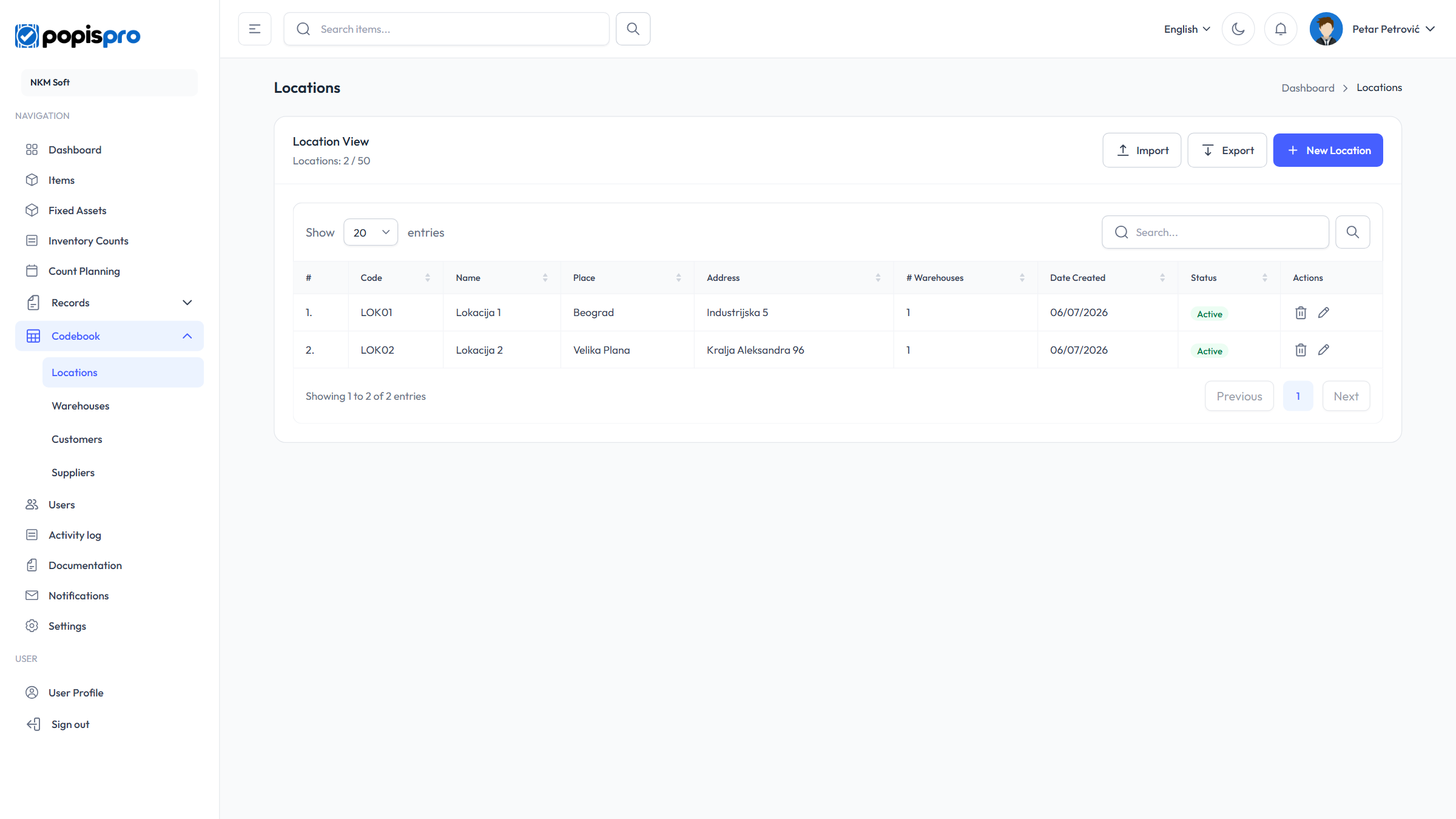
The columns are Code, Name, Place, Address, Status, # Warehouses and Date Created. Search looks in the code, name, place, address and email. If your package limits the number of locations, the header shows e.g. Locations: 2 / 5, and once the limit is reached, New Location is disabled.
New location and editing
New Location opens the form; the pencil on a row opens Edit Location with the same fields.
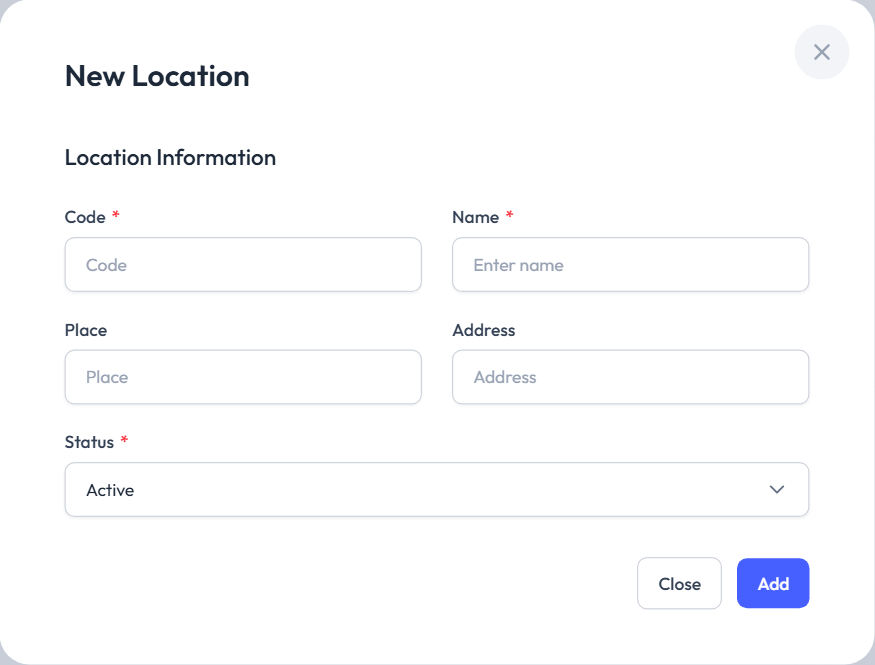
| Field | Description |
|---|---|
| Code * | Unique in your company, e.g. LOK01. |
| Name * | E.g. "Downtown shop". |
| Place and Address | Optional. |
| Status * | Active or Inactive. |
Entering the code of a location deleted earlier brings that location back.
Deleting
The bin on a row asks Delete Location.
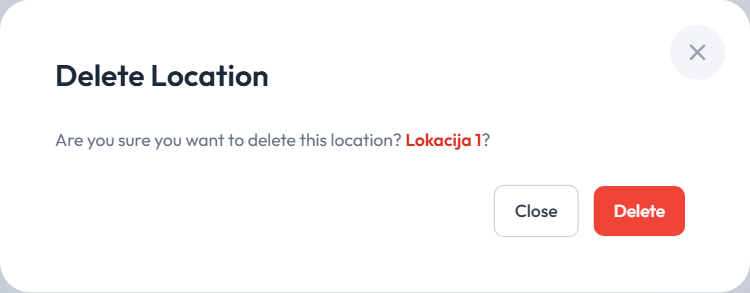
- The last location can't be deleted: Cannot delete the last location. At least one is required.
- A location used by count lists can't be deleted: Cannot delete location. It has count lists attached.
- Deleting a location also deletes all its warehouses.
Delete all is shown only to the main user, while the company has no counts or records and has more than one location. It deletes every location and warehouse and creates one default location, LOK01, with the warehouse MAG01.
Import and export
Import and Export work as for items: download the example, fill it in and review it before importing. The columns are Code, Name, City, Address and Email (read by position; headings are ignored).
- An existing code updates that location, a new code adds one; only New and Updated rows are imported.
- A row without a code is skipped (Code is empty), and a row without a name isn't imported.
- An import that would go over the package limit is refused (Import not allowed).
The export has the same columns, so you can edit an exported file and import it back.