

Notifications
In Popis PRO the bell is in the top bar of every screen. The red number on it is the count of unread notifications (above 99 it shows 99+). Popis PRO Offline has no bell.
The count refreshes after every sync (at start, after signing in, when the connection returns, by hand) and when you open the notifications screen. The app doesn't show notifications on the phone's screen; the same notifications also arrive by email.
The Notifications screen
Tapping the bell opens Notifications:
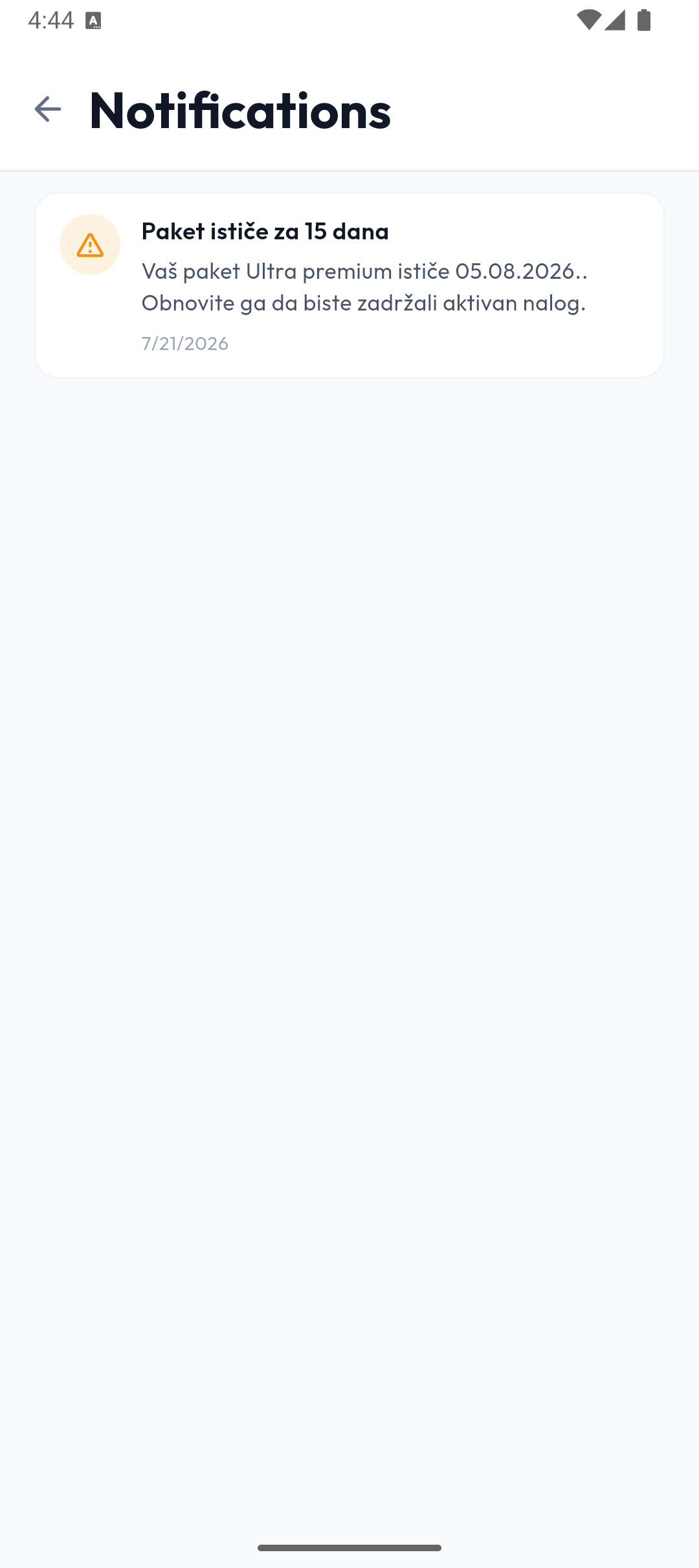
- The 20 newest notifications are shown; pull down to refresh.
- Tapping an unread notification marks it read.
- Mark all read in the header marks them all.
- Swipe a notification to the left to delete it; the app asks Delete notification? (Cancel / Delete).
- With no notifications, it says You're all caught up.
The notifications are the same as in the portal — reminders for planned counts and package expiry, received by the company's main user. In detail: Notifications in the portal.