

How the offline app works
Popis PRO Offline is a separate app for companies that work without the portal and without a server: all data — items, counts, records — is created and stays on the phone only. You recognise it by its green colour. Download: Google Play; for iPhone coming soon to the App Store (see Download the app).
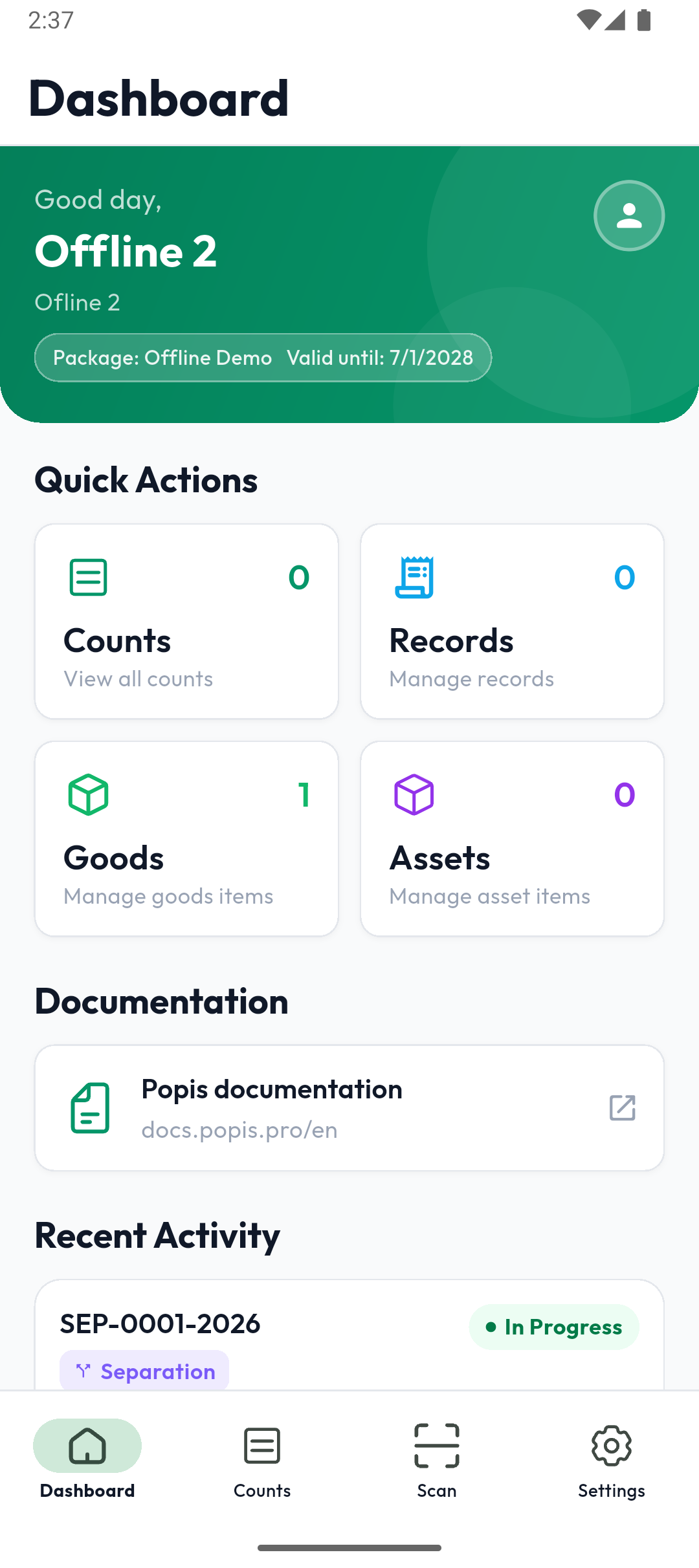
| Popis PRO | Popis PRO Offline | |
|---|---|---|
| Where the data is | On the server, synced with the portal | On the phone only |
| Portal | Yes | No — portal sign-in isn't possible |
| Internet | Needed for syncing | Only for signing in |
| Several phones on the same data | Yes | No — each phone has its own data |
| Colour | Blue | Green |
Account and sign-in
- You create the account in the app: Sign up on the sign-in screen, then confirm the email (see Signing in to the app). A new account gets a trial offline package.
- An offline account works only in Popis PRO Offline. In Popis PRO you get This is an offline account. Please sign in with the Popis.pro Offline app.
- Signing in needs internet. After signing in, the app works without internet, also after a restart.
- The account works on a limited number of phones (one by default). A new phone over the limit gets This account is already in use on the maximum number of devices. with a list of the devices. A phone that doesn't sign in for 30 days frees its slot by itself; to remove one sooner, contact support.
Package
Package changes (an upgrade, a new expiry date, records) reach the phone at the next sign-in. Expiry is checked only when signing in: the app works until the end of the expiry day, and a new sign-in after that isn't possible until the package is renewed (Subscription expired). The data stays on the phone and is available again when you sign in with the same account after renewing.
On an iPhone the package is bought in the app: Settings → Package.
What else works differently: What's different. How not to lose data: Keeping your data safe.