

What's different
Popis PRO Offline is used the same way as Popis PRO, with these differences.
Dashboard and notifications
There is no Sync card and no notification bell. Recent Activity shows the latest counts and records on the phone. See Dashboard.
Goods and assets
The catalogue exists only on the phone. Administrators add, import from Excel, edit and delete goods and assets right in the app (Goods, Assets) — there is no portal to fetch them from. Package limits (the number of items) apply here too.
Counts and lists
You type the location and warehouse as text; both are optional.
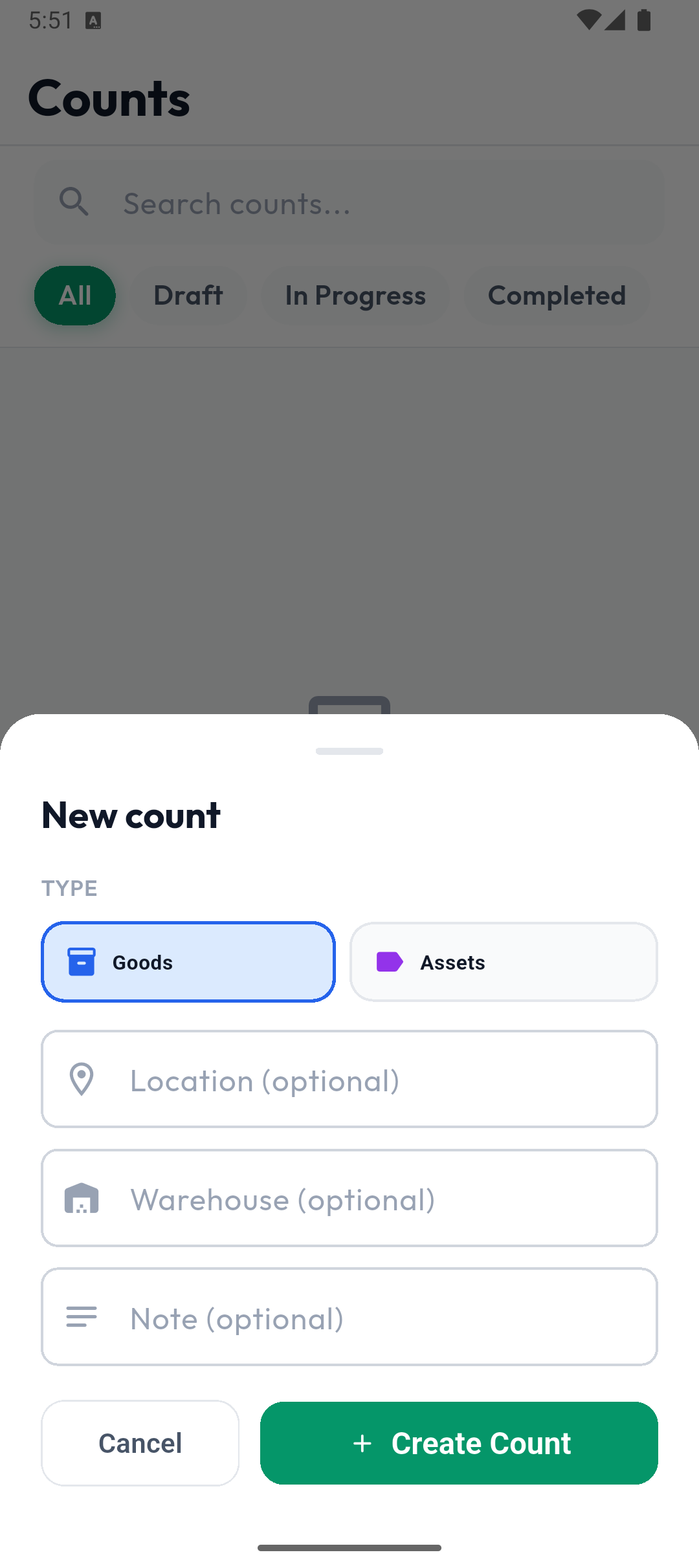
- Administrators create, complete and delete counts. A new list takes the location and warehouse from the count; if the count has none, the list asks for them.
- Numbers (e.g. DOK-0001-2026, LST-0001-2026) are assigned on the phone, in sequence.
- Completing happens at once, on the phone. You pass results on by exporting (Excel, CSV or XML, through the phone's share sheet) — see Exporting.
- A completed count with no counted items is deleted by itself after three hours.
Records
If your package includes records: you type the location, warehouse, customer and supplier as text.
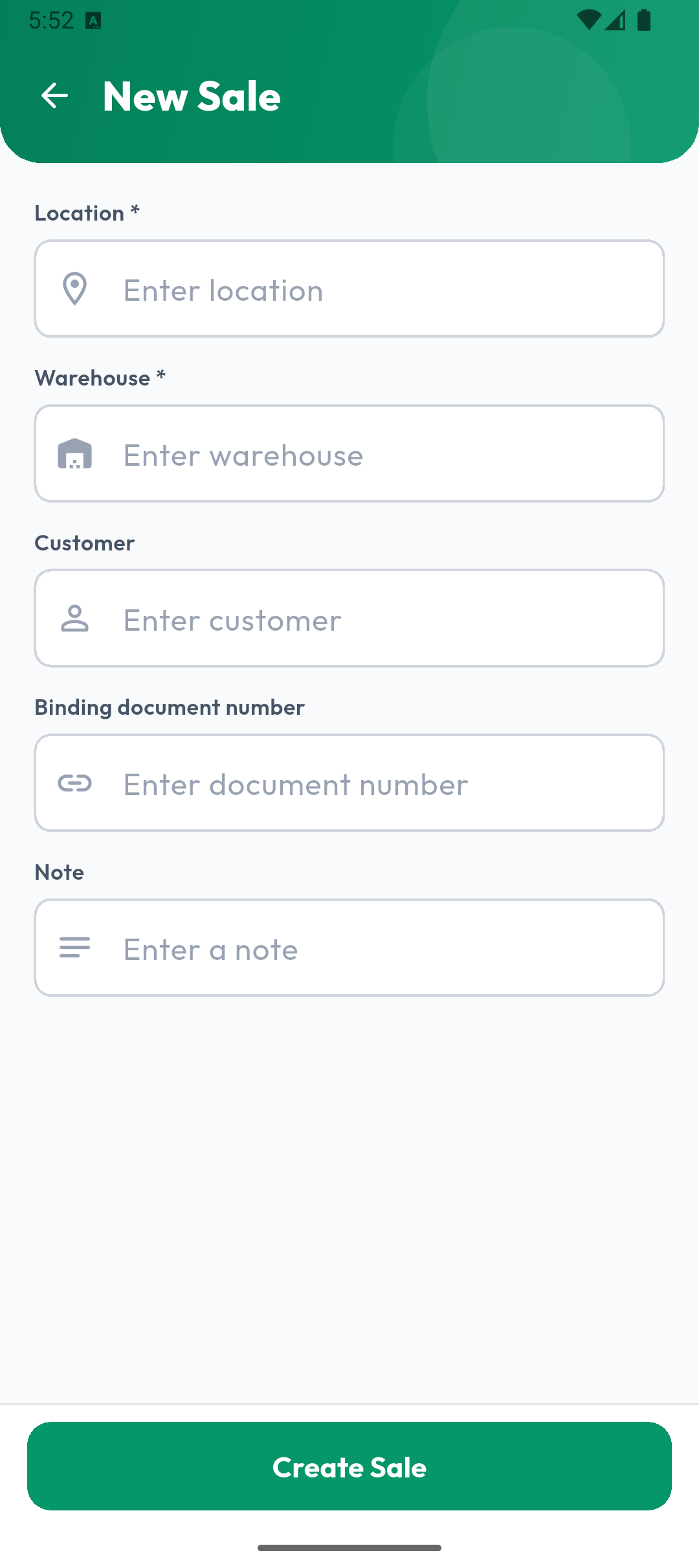
- Record numbers are assigned on the phone.
- Item entry mode, Quantity may exceed the required quantity and Allow articles not on the list are set in the app settings (in Popis PRO the portal sets them).
- A separation or goods receipt from an order offers only orders on that phone.
- Check Expiry works only in Popis PRO.
Settings
- Change Password isn't available; change your password with Forgot password? on the sign-in screen.
- Delete All Data deletes permanently — the data can't be brought back.
- There is no Package row except on iPhone.
See App settings.
Signing out
Sign Out returns you to the sign-in screen at once; the data stays on the phone. When you sign in again with the same account, everything is there. Signing in with a different account deletes the previous one's data — the app warns you first. In detail: Keeping your data safe.