

API sync
The API Sync tab in Settings connects Popis to your business software (ERP, accounting), so you don't enter items, fixed assets, locations and warehouses twice. Any company administrator can change it.
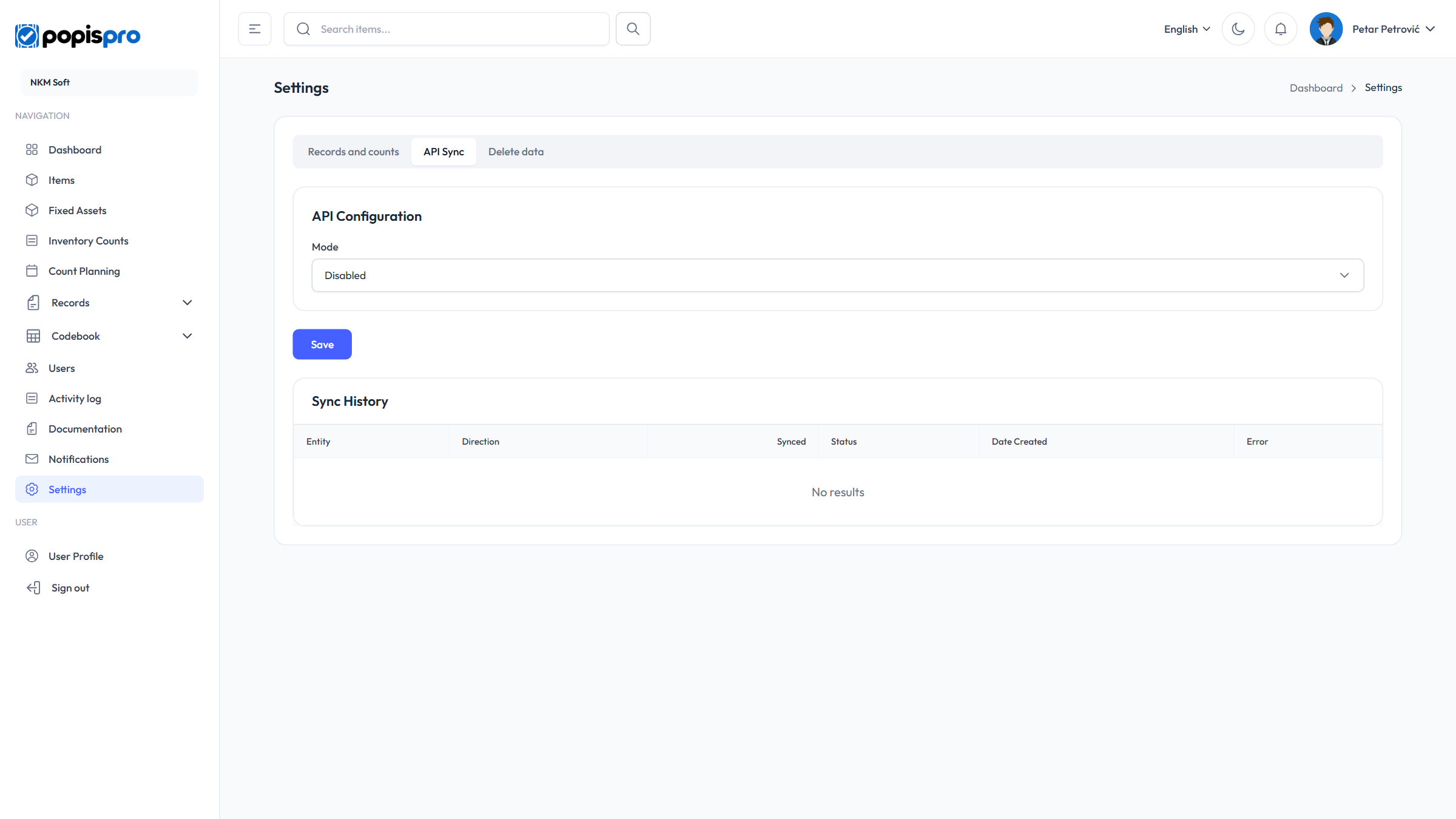
In the Mode field you pick one of three ways:
| Mode | Meaning |
|---|---|
| Disabled | Sync is off (default). |
| We pull from their API | Popis fetches data from your software's API. |
| They access our API | Your software calls the Popis API with a token. |
Popis fetches the data
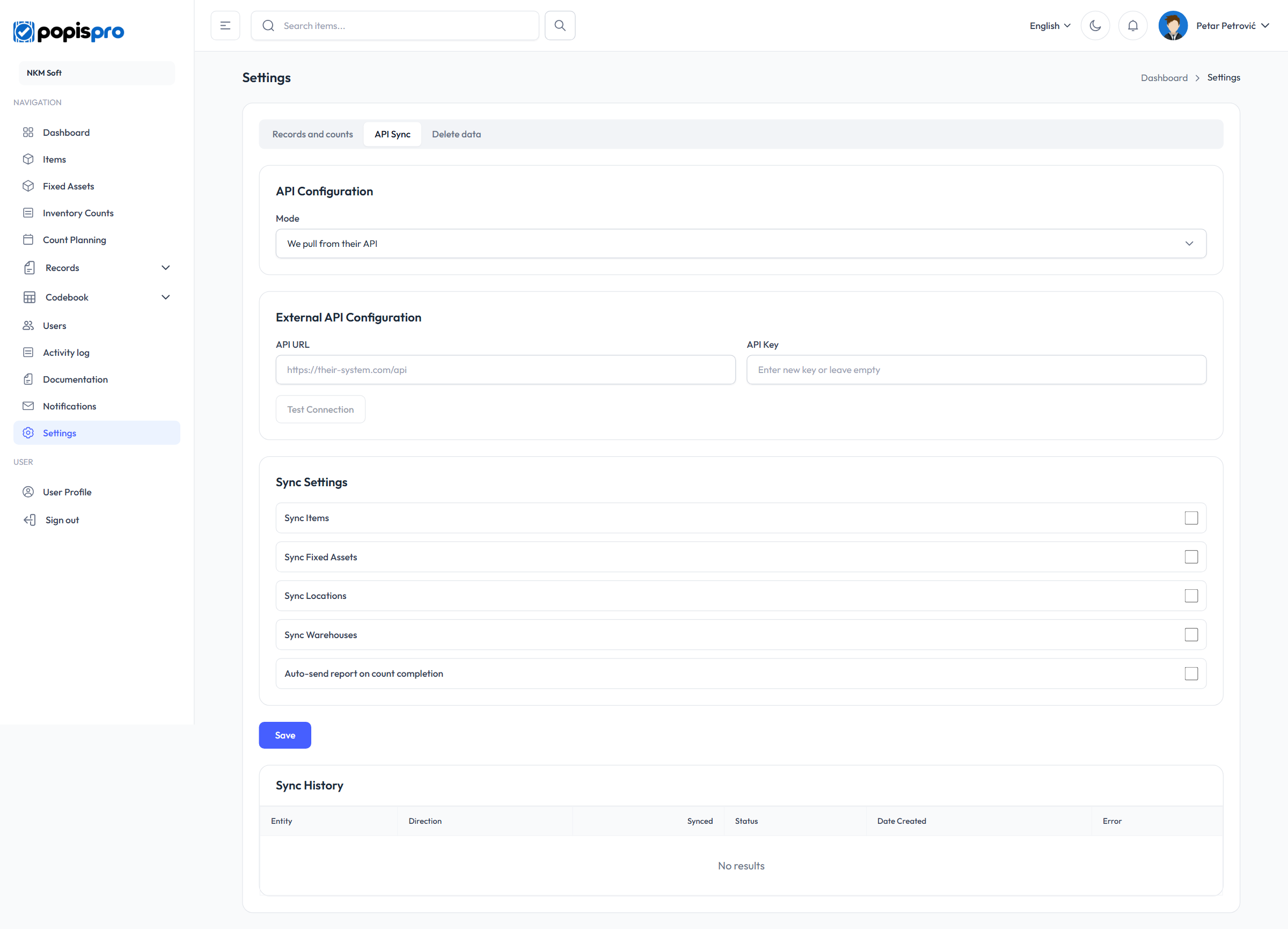
- API URL — the address of your software's API, e.g.
https://your-erp.com/api. - API Key — the key Popis sends in the
X-API-Keyheader. A saved key isn't shown; leave the field empty to keep it. - Test Connection — saves the settings and checks every enabled address.
Popis reads GET {URL}/articles, /fixed-assets, /locations and /warehouses and adds or updates records by code. You fetch the data by hand, with the buttons under Manual Sync (Sync Items, Sync Fixed Assets …); there is no automatic fetching. What your API must return is described in the portal under Documentation.
Your software calls Popis
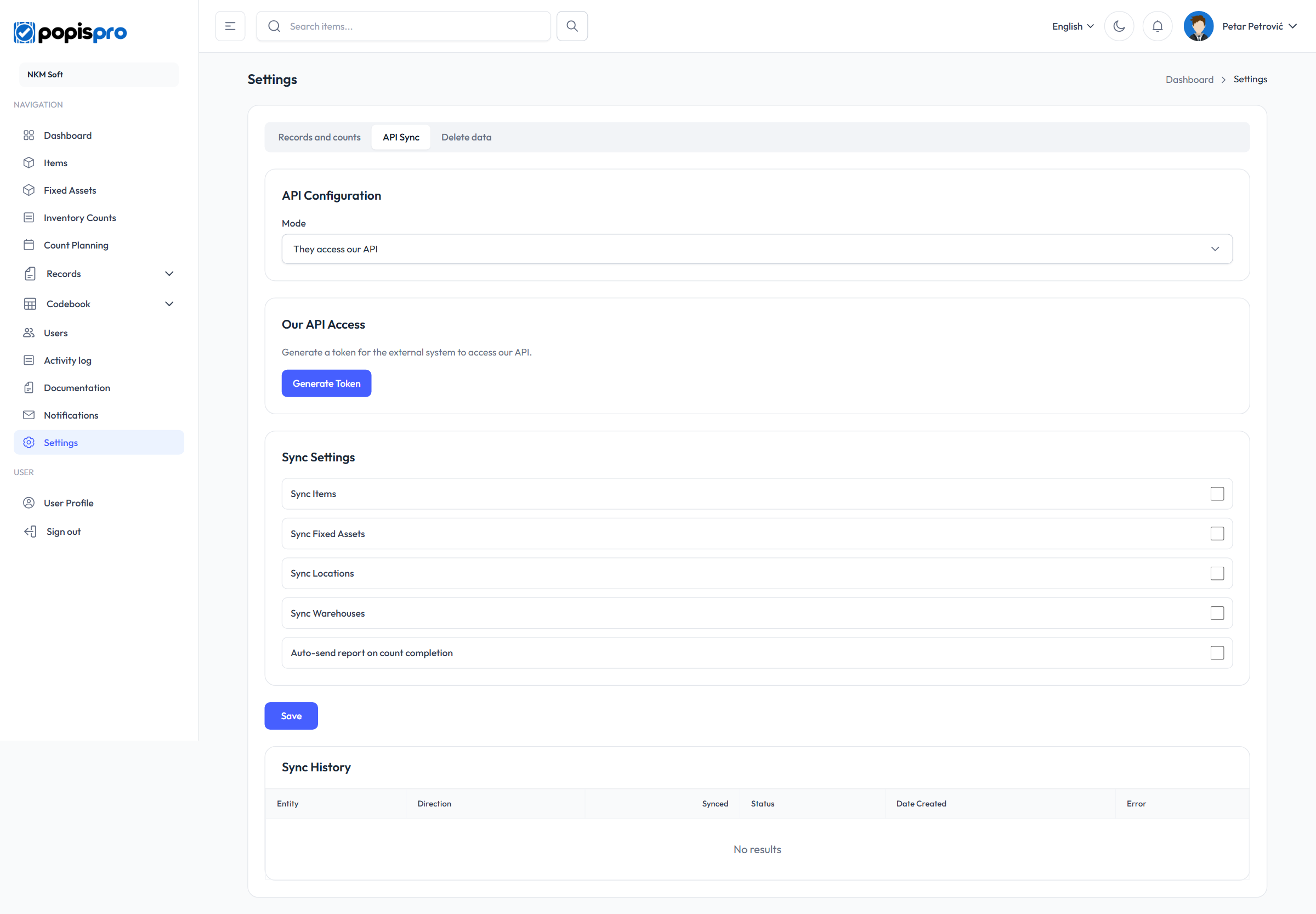
Generate Token creates a token that your software sends with every call to the Popis API (at the API base URL, …/api/v1/). Copy it right away and keep it as safe as a password. Regenerate Token creates a new one, and the old one stops working at once — every system that uses it needs the new token.
Sync settings
In both modes you choose what is synced: Sync Items, Sync Fixed Assets, Sync Locations and Sync Warehouses. Auto-send report on count completion posts the report to POST {URL}/report as soon as a count is completed — only in the pull mode, because it needs an API URL. In the other mode your software fetches the report itself.
Finish with Save. Sync History below lists every fetch and send with its status and error, if any.