

Deleting data
The Delete data tab in Settings deletes your company's data, e.g. after a trial, so you can start over. Only the company's main user sees it.
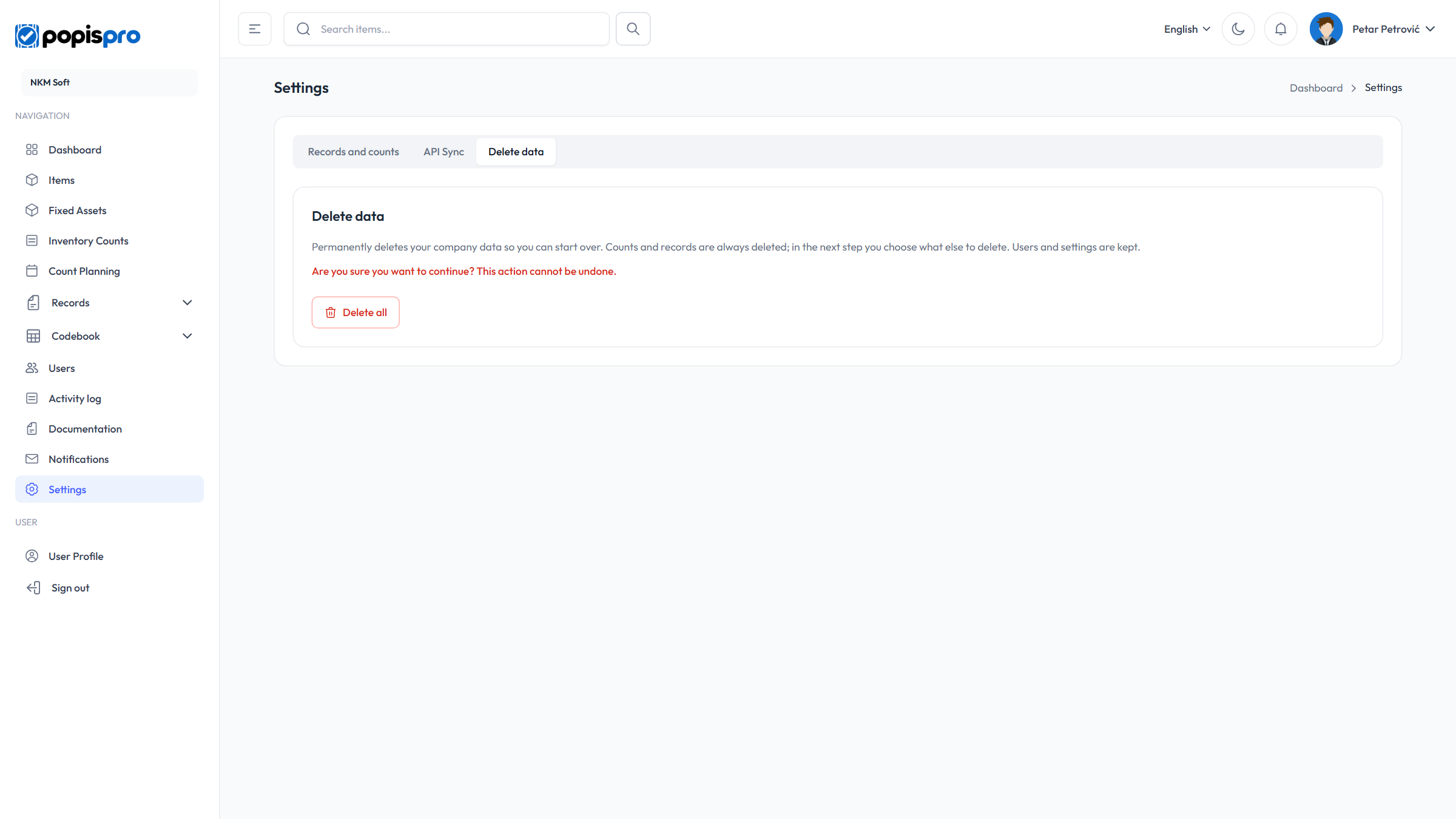
Delete all opens a dialog where you choose what else to delete:
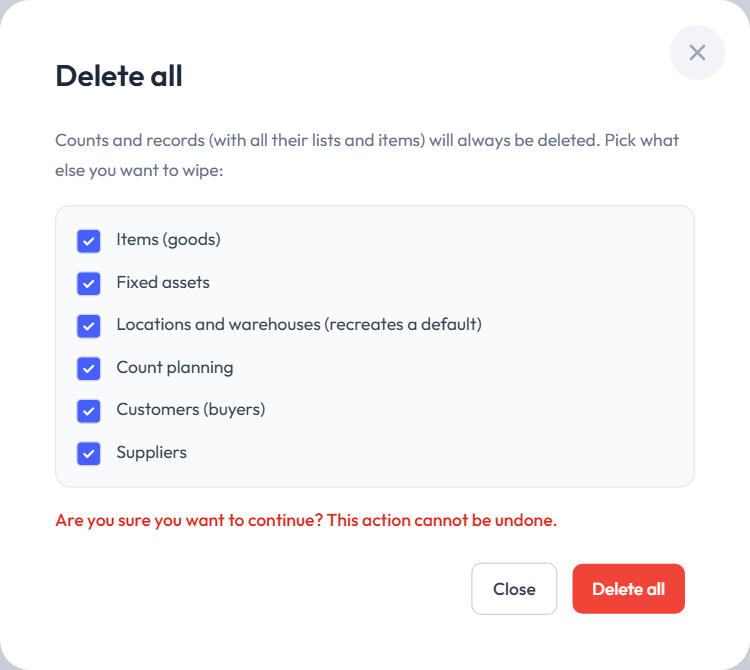
- Counts and records (with all their lists and items) are always deleted.
- Optionally (everything is ticked by default): Items (goods), Fixed assets, Locations and warehouses (a default location and warehouse are recreated), Count planning, Customers (buyers) and Suppliers. Items and fixed assets are shown only if your package includes them.
- Users and settings are kept.
The red Delete all in the dialog deletes the selection at once and reports Data was reset.
Caution
Deleting can't be undone. Export whatever you need first.