

Users and roles
Users are the people who sign in to your company's portal and mobile app. The Users menu item is shown to company administrators.
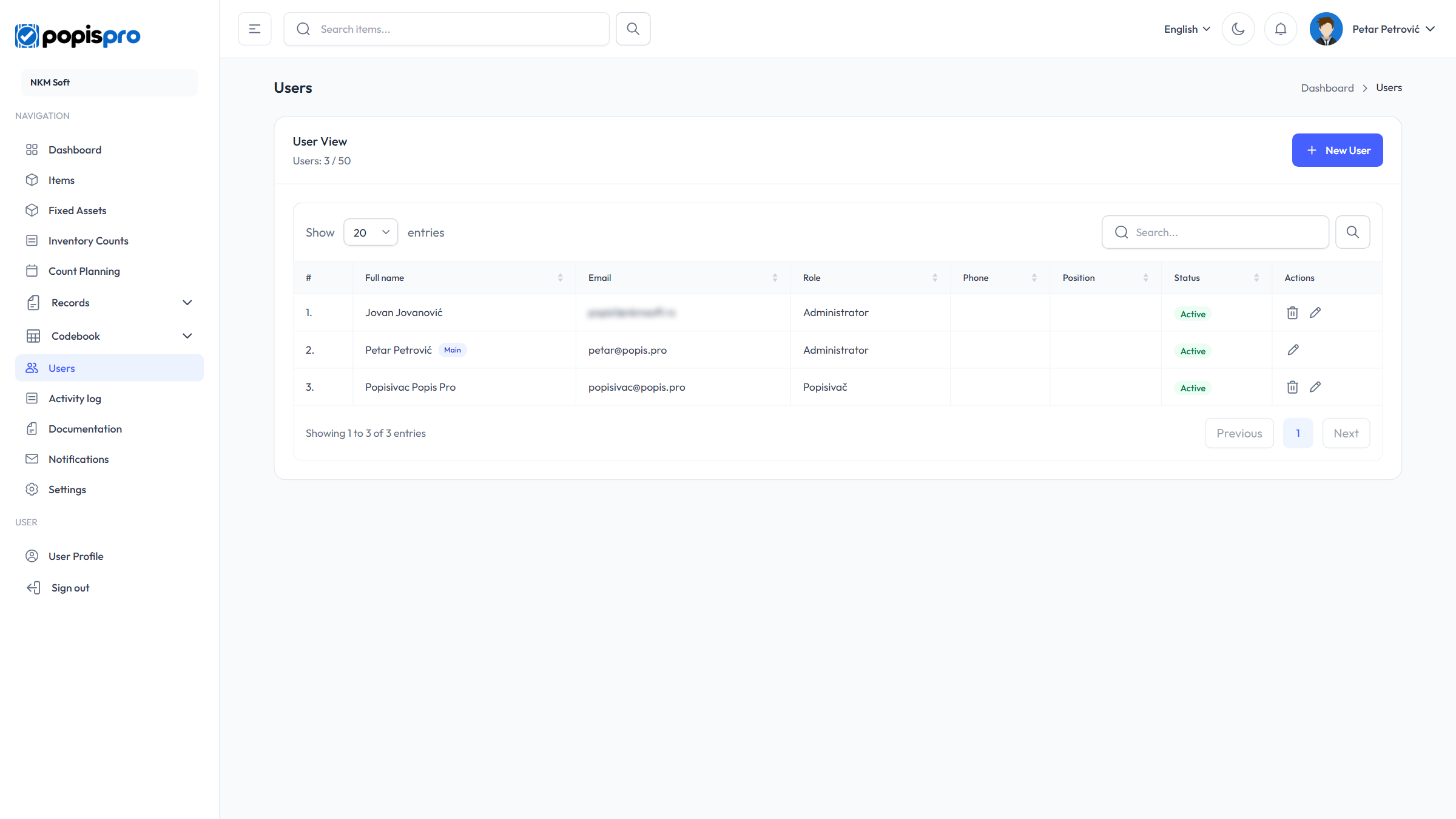
The columns are Full name, Email, Role, Phone, Position and Status. The Main badge marks the company's main user. Search looks in first name, last name and email (Enter or the magnifier), and clicking a column heading sorts.
If your package limits the number of users, the header shows e.g. Users: 3 / 50. Every user of the company counts, inactive ones too. Once the limit is reached, New User is disabled (User limit reached).
Roles
| Role | What it can do |
|---|---|
| Administrator | Runs the company: sees every portal menu, including Users and Settings. In the app, creates and completes counts, adds and edits items, adds an item for an unknown barcode and sees the discrepancy reports. |
| Popisivač (counter) | Counts: count lists, records and scanning in the app. In the portal sees only the Dashboard and Notifications. |
A user can have several roles and then has the rights of all of them. Roles and their rights are the same for every company and are set by Popis — if you need a different role, contact support.
The main user
The main user is the account the company was opened with (the Main badge). On top of an administrator's rights, only the main user:
- sees the Delete data tab and changes the records and counts settings;
- uses Delete all on items, fixed assets, locations, warehouse stock, counts and records;
- deletes counts in any status (other administrators only drafts), and other users' lists and records;
- receives the reminders for planned counts and the package-expiry notices.
Nobody can delete the main user, and only the main user can edit their own details. To change the main user, contact support.
New user
New User opens the form.
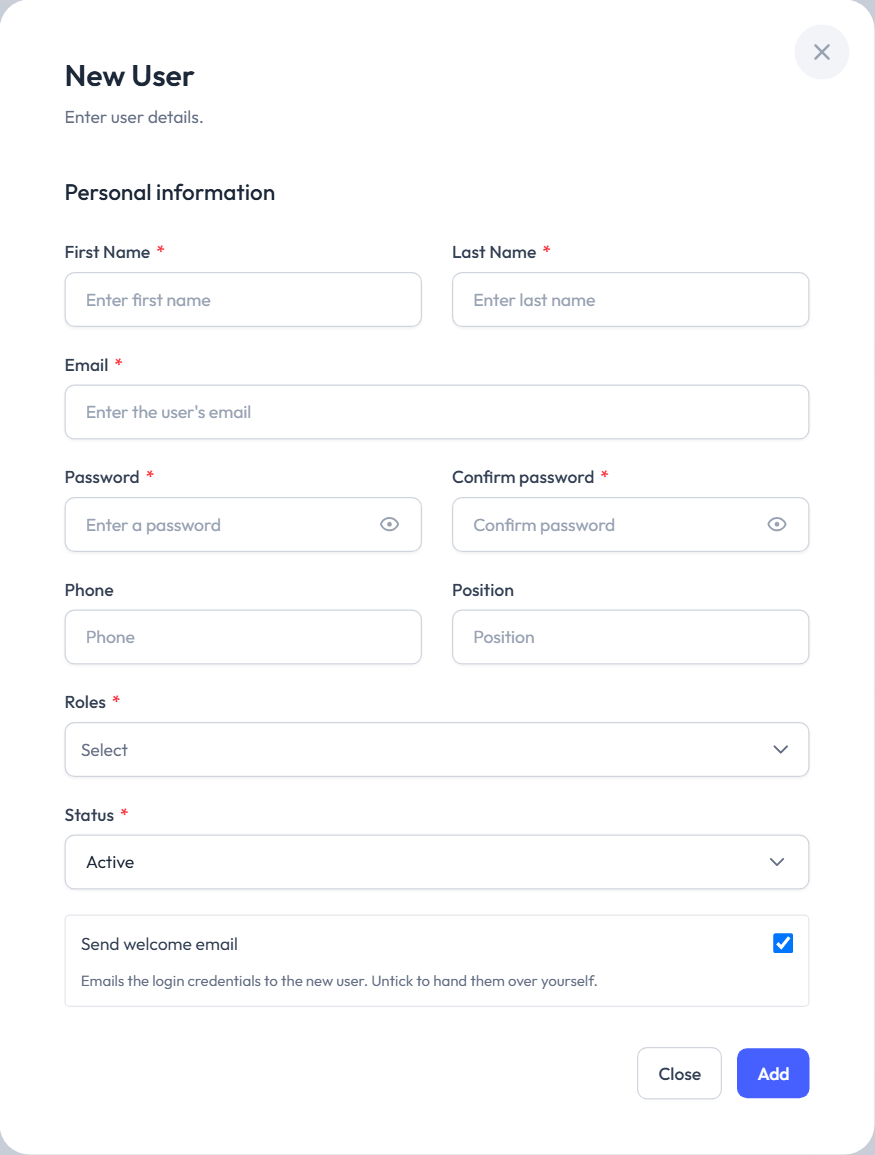
| Field | Description |
|---|---|
| First Name * and Last Name * | |
| Email * | The sign-in address, in lower case. It must be unique across all of Popis — an address that already has an account (even in another company) is refused: The Email has already been taken. |
| Password * and Confirm password * | At least 8 characters. |
| Phone, Position | Optional. |
| Roles * | Administrator and/or Popisivač. |
| Status * | Active (default), Inactive or Suspended. |
| Send welcome email | When ticked, the user gets the email Your Popis PRO account has been created with their sign-in email and password and links to the app. Untick it if you'll hand over the details yourself. |
Without the required fields, the form shows what's missing:
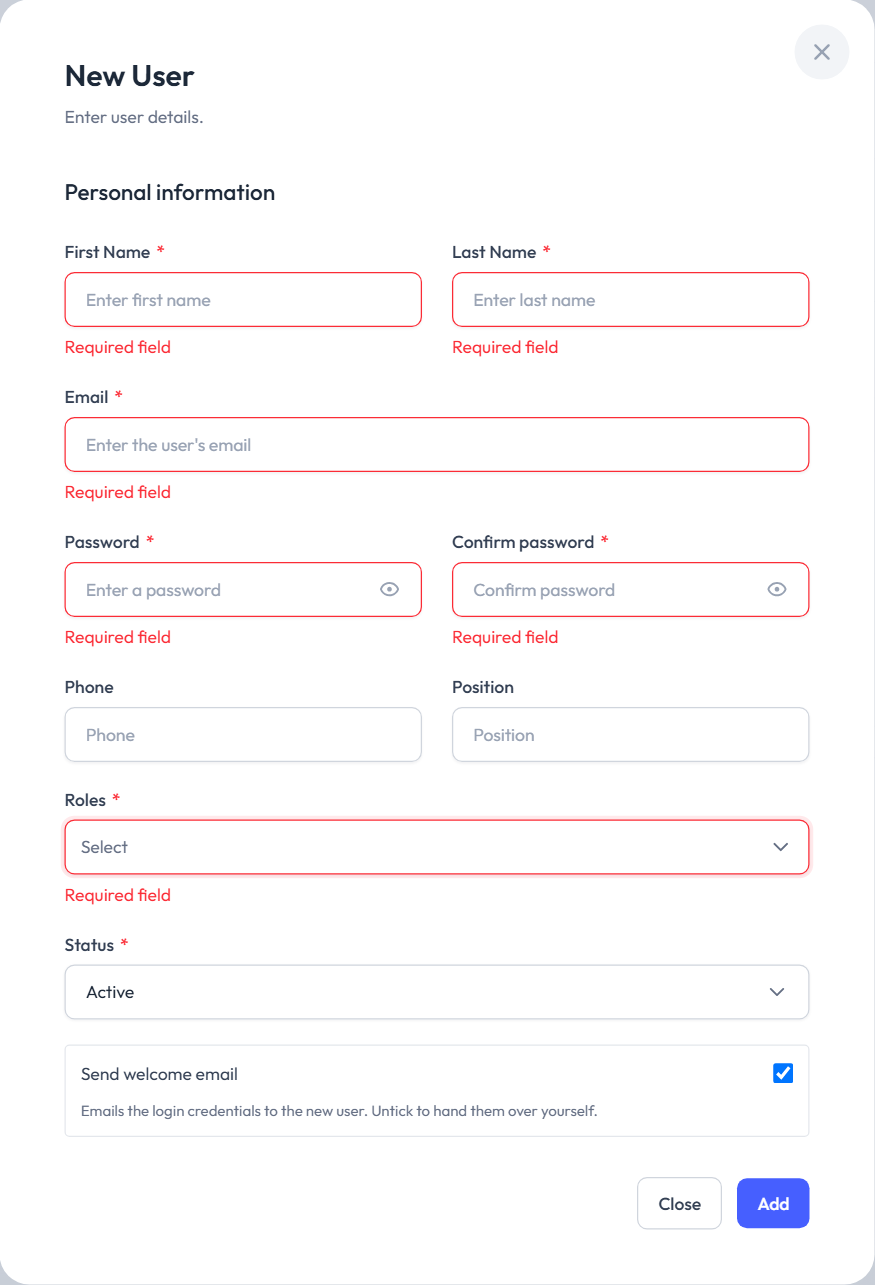
Add creates the user (User has been successfully added.). They can sign in to the portal and the Popis PRO app right away. Advise them to change the password after the first sign-in.
Editing
The pencil on a row opens Edit user with the same fields, without Send welcome email.
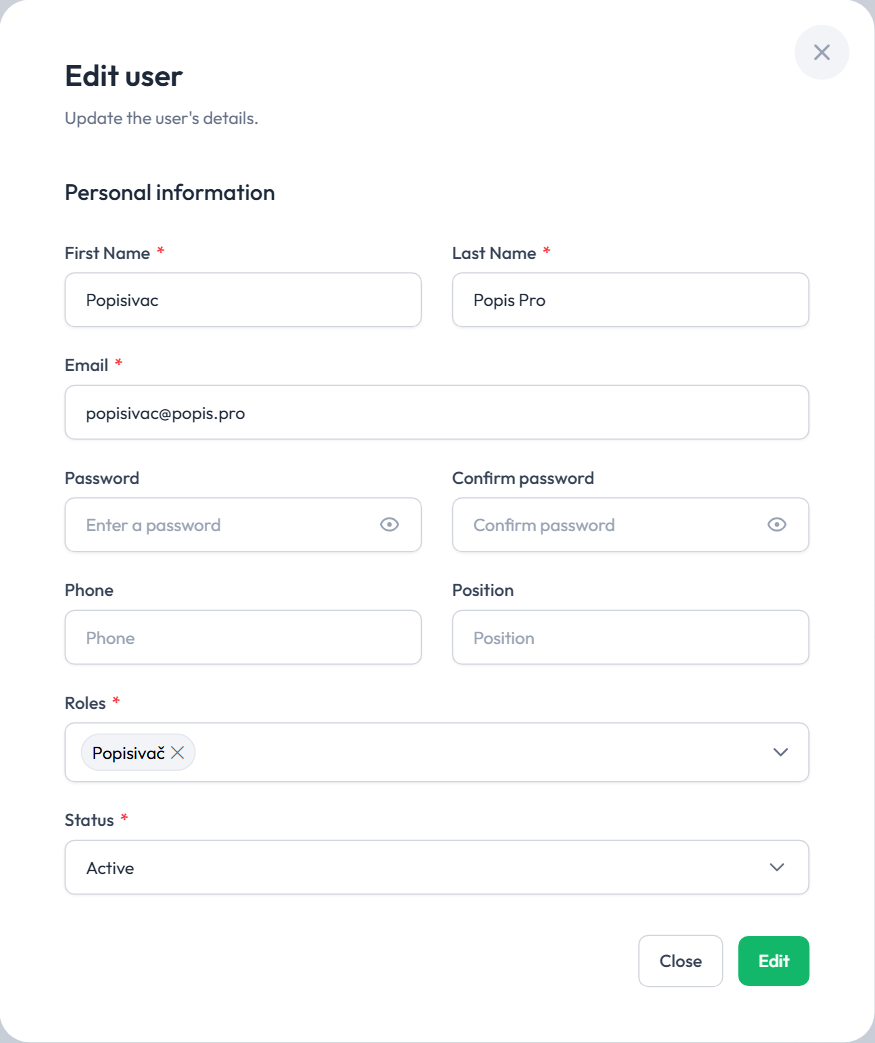
- To change the password, type the new one in both fields; empty fields keep the old one. Changing the password doesn't sign the user out of devices where they are already signed in.
- Roles and status are changed by an administrator. Everyone can change their own name, email, phone and password on the User Profile page.
- Only the main user edits the main user: other administrators have no pencil on that row.
An Inactive or Suspended user can't sign in (Account is inactive.). If they are already signed in, they are signed out at their next action, and in the app within about 30 seconds. That's a better choice than deleting when someone is away for a while.
Deleting
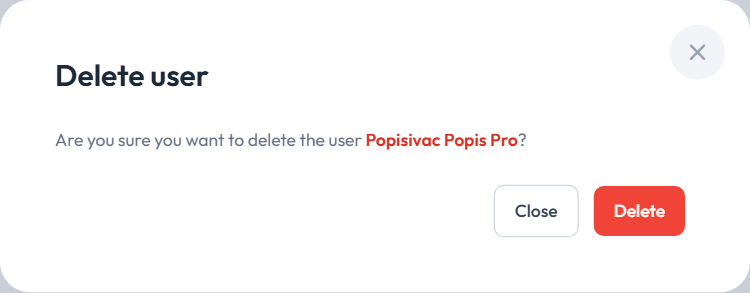
The bin on a row asks Delete user; Delete removes the user permanently (User has been successfully deleted.).
- The main user can't be deleted (their row has no bin).
- Counts and lists the user made pass to the main user; records remain, without an author. Their entries no longer show in the Activity log.
- The user is signed out everywhere, and their registered devices are removed.
Signing in from several places
- Portal: one sign-in per user. Signing in from another browser signs out the previous one.
- Popis PRO: one phone per user at a time.
- Popis PRO Offline: as many devices as are set for your company (one by default).
The portal and the app work side by side: the same user can be signed in to both.