

Records and counts
Settings is the last menu item and is shown to company administrators. It has three tabs: Records and counts, API Sync and Delete data (main user only).
The Records and counts tab (called Counts when your package has no records) decides how items are entered:
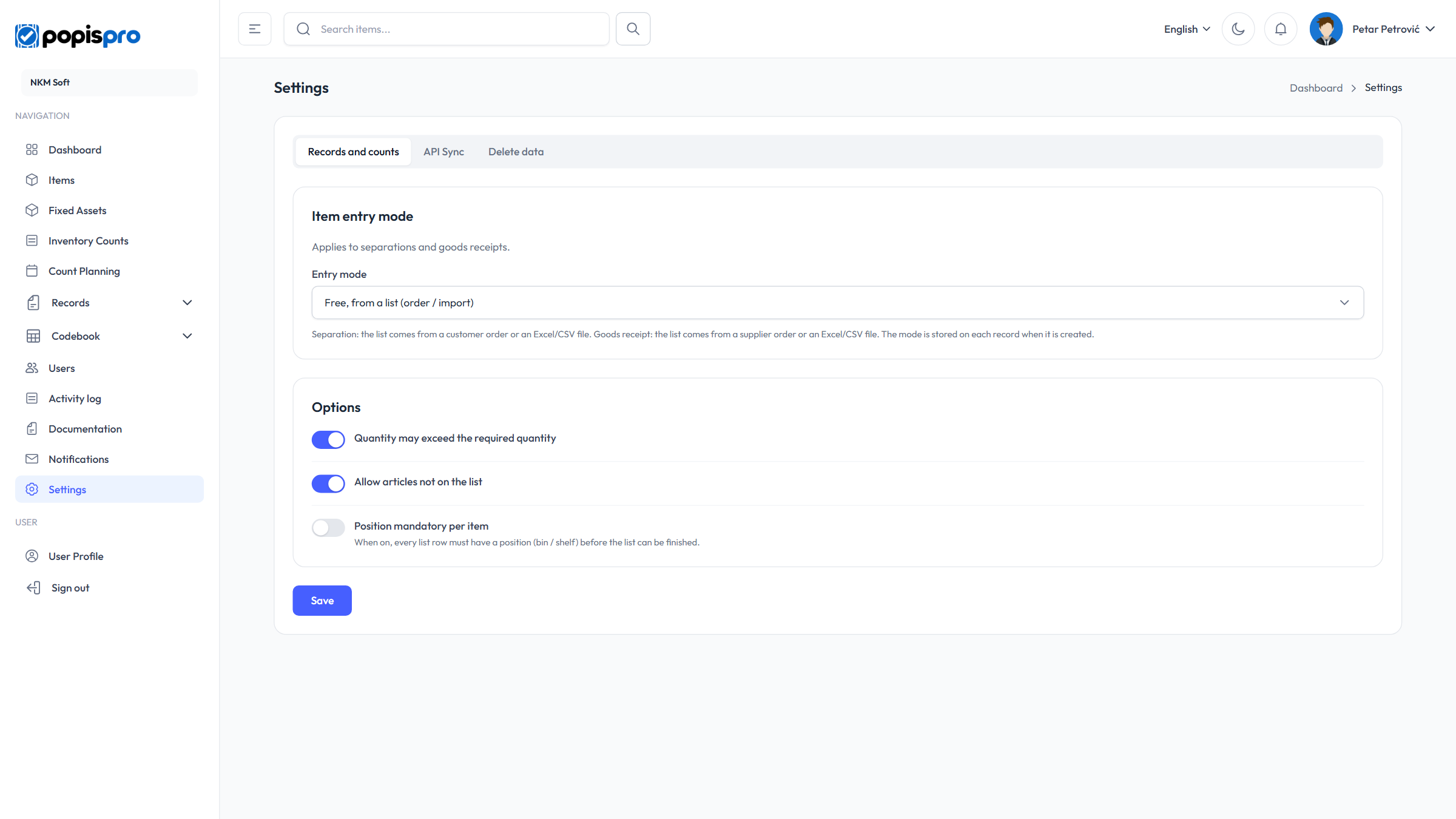
Every administrator can see the settings, but only the company's main user can change them; others see disabled fields and Only the main user can change these settings. Changes are saved with Save (Settings saved.) and also apply in the Popis PRO mobile app after the next sign-in or refresh.
Item entry mode
Applies to separations and goods receipts:
| Option | Meaning |
|---|---|
| Completely free (default) | No list; the binding document number is required. |
| Free, from a list (order / import) | The list comes from an order or from Excel; you enter the actual quantities per row. |
| By barcode, from a list (order / import) | Like the list mode, but only in the mobile app, by scanning barcodes. |
The mode is stored on each record when it is created. In detail: Working from a list.
Options
- Quantity may exceed the required quantity (on by default) — when off, a list-based record can't take more than the required quantity.
- Allow articles not on the list (on by default) — when off, an item that isn't on the list can't be added to a list-based record.
- Position mandatory per item (off by default) — when on, every item needs a position (bin, shelf): on count lists and on every record type except orders and sales. A list or record without positions can't be completed.
The first two options are shown only when your package includes records, and they apply immediately, including to open records.