

Expiry dates
An Expiry record stores the expiry dates of goods in a warehouse, and the Expiry report page shows what expires soon.
The expiry record
It is made like any other record (Records → Expiry → New Expiry Record) and has only a location, a warehouse and a note.
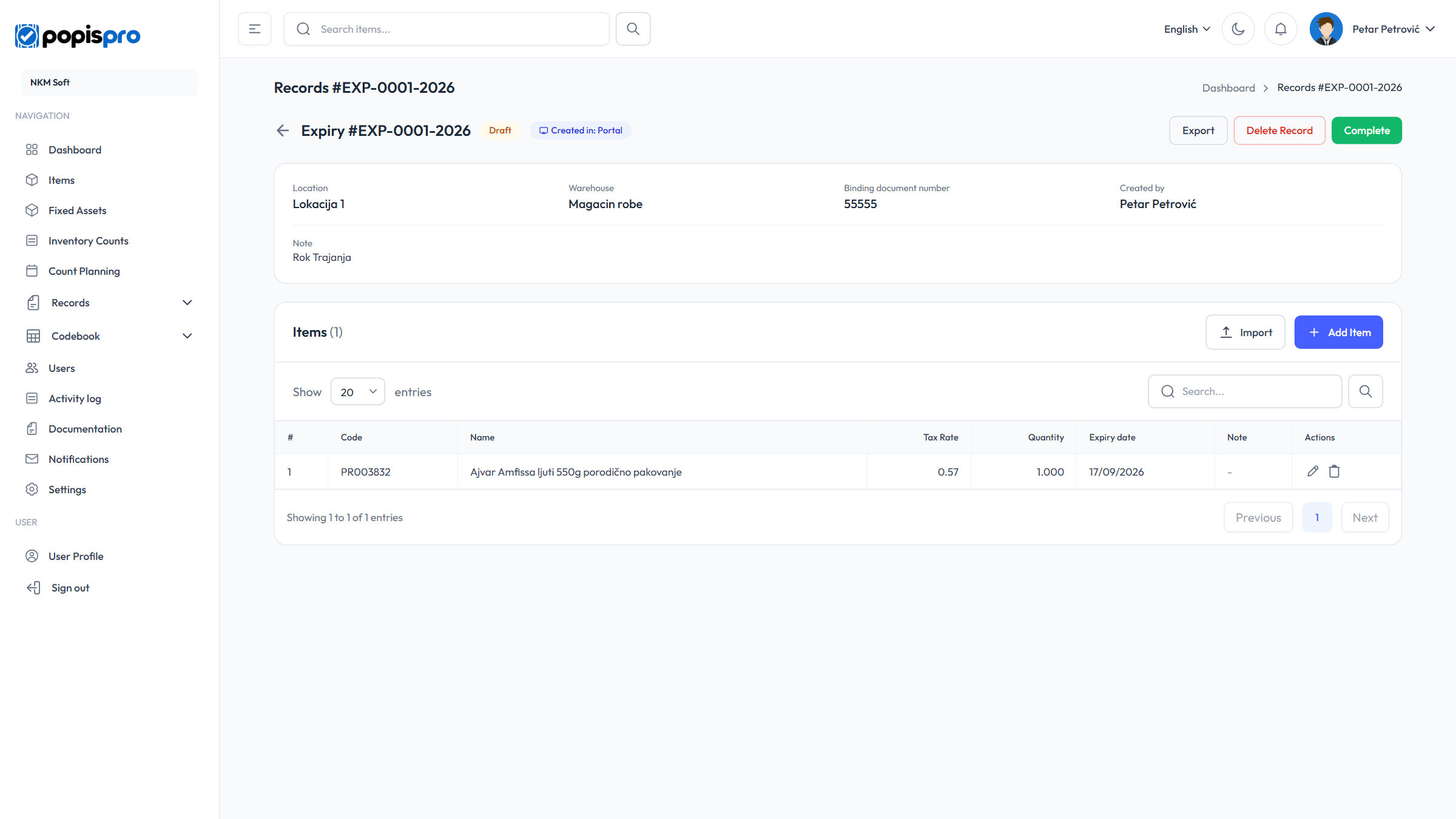
- Every item must have an Expiry date (Expiry date is required.); past dates are allowed.
- There are no prices, and the add dialog has no barcode field.
- Excel import reads the date from the fifth column (code, quantity, note, price, expiry date).
Checking expiry dates
On the expiry records list, click Check Expiry.
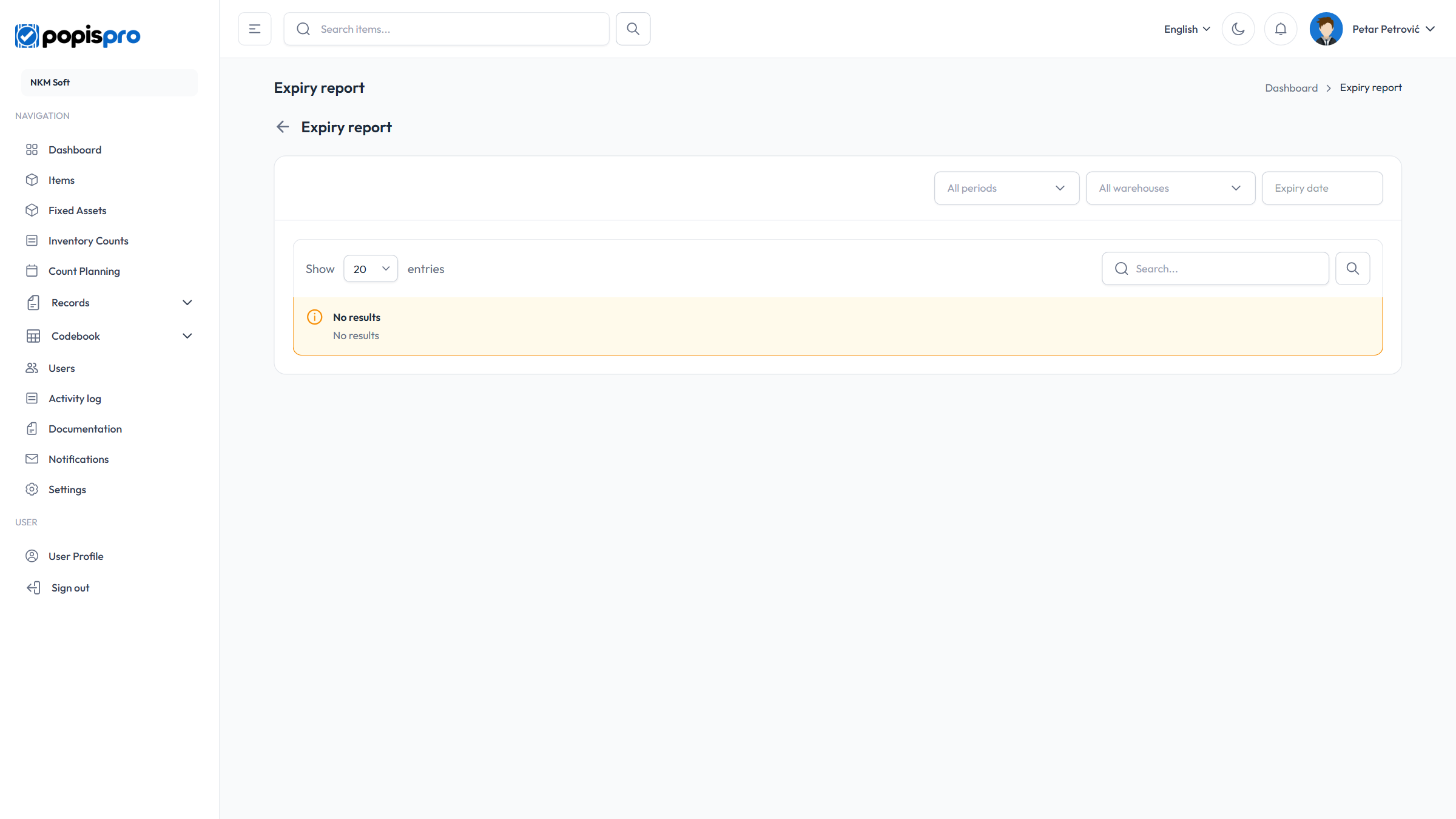
- All periods, Expired, Today, 7 days, 15 days or 30 days — how far ahead you look.
- All warehouses or one warehouse.
- Expiry date — an exact date; the period is then ignored (Clear removes it).
- Search by code and name.
The columns are Code, Name, Unit, Expiry date, Quantity, Warehouse and Days left. An expired date has a red Expired badge, and one due in 7 days or fewer is orange.
Note
Only completed expiry records count, added up per item, date and warehouse. While a record is open, its dates aren't shown.